
Guide · Caption styles
The four kinetic caption styles, and when each one earns its keep
The presets below ship with the editor — the preview cards are the exact artwork the properties panel shows, rendered per word as your video plays. This guide is about picking between them on purpose.
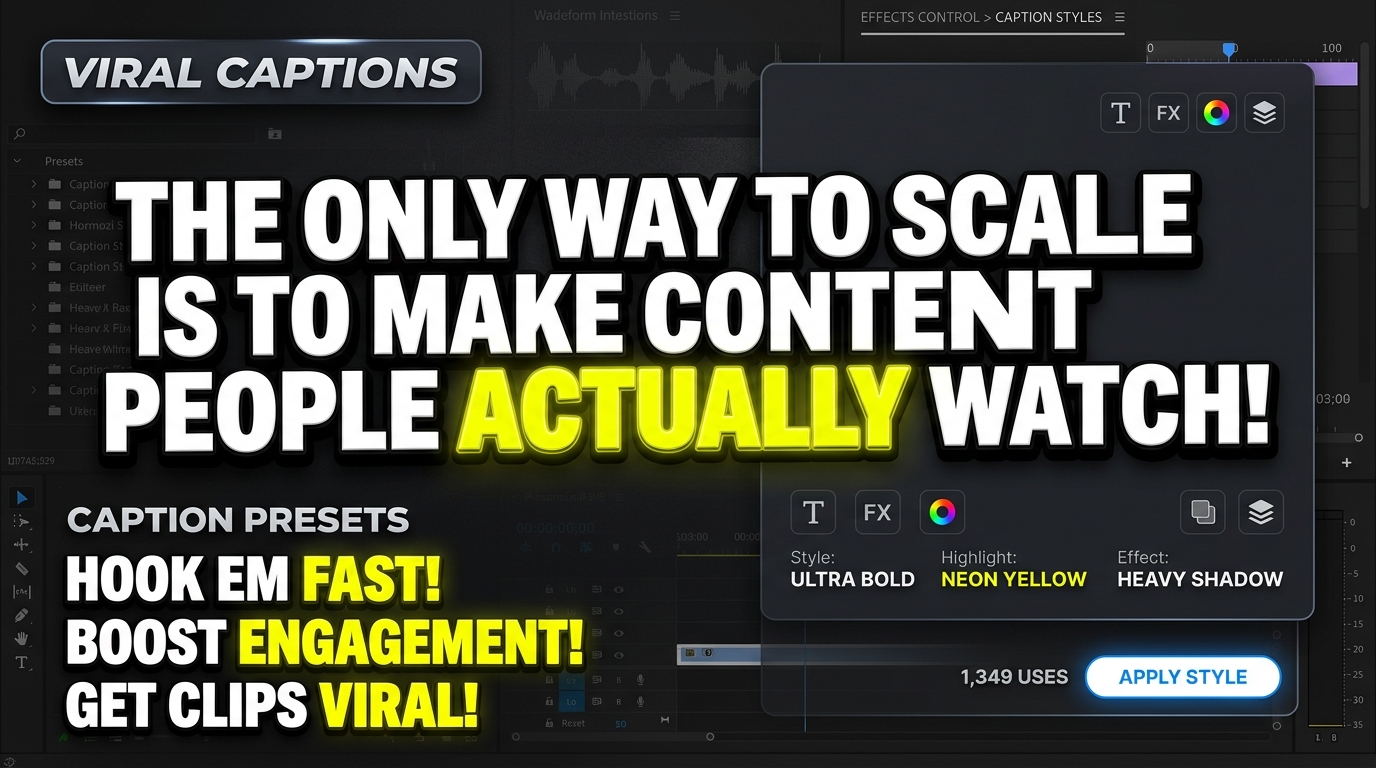
Hormozi Style
Bold uppercase, 120% scale punch, neon yellow highlight & contrast shadow
- 120% Scale Punch
- Neon Yellow Highlight
- Heavy Contrast Shadow
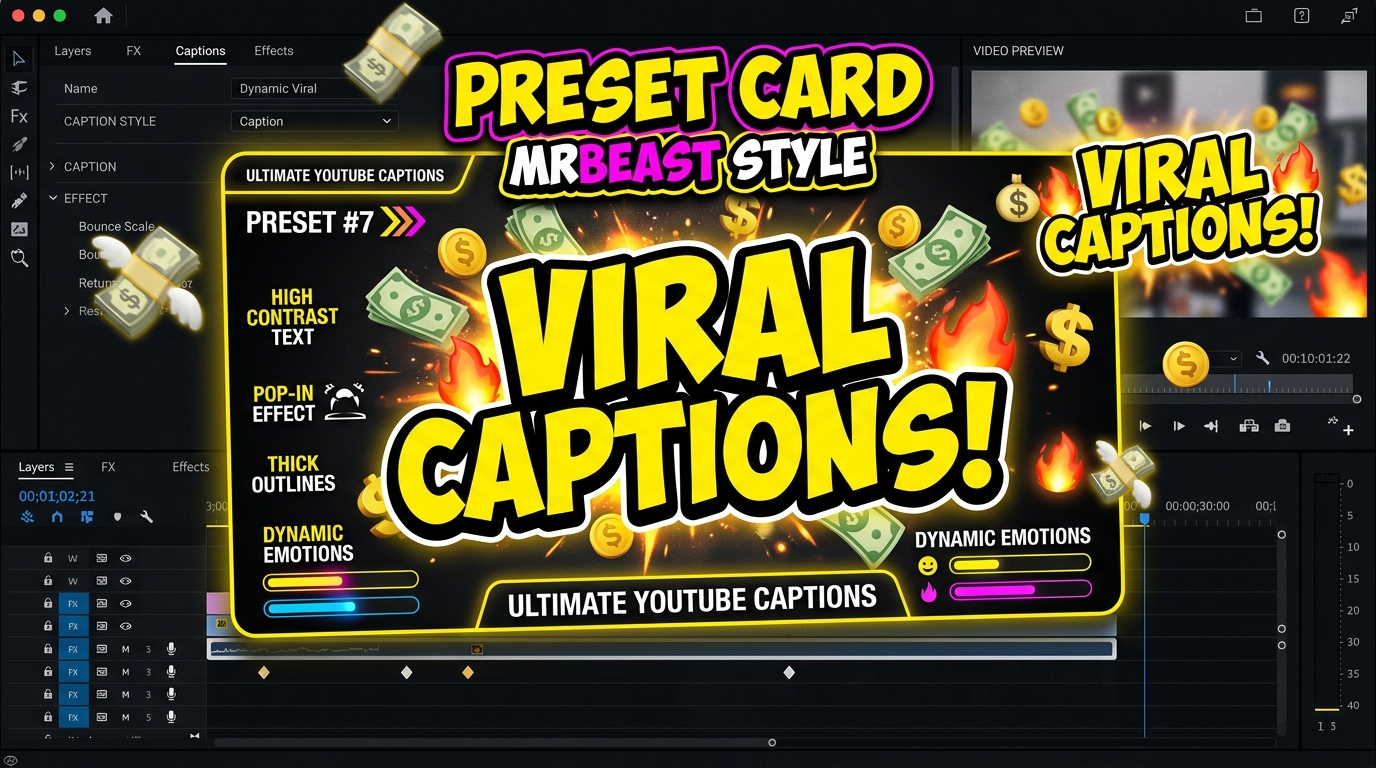
MrBeast Style
Dynamic stroke outline, pop-in bounce scale & rotating emoji insertion
- Dynamic Stroke Outline
- Pop-in Bounce
- Rotating Emoji Badges
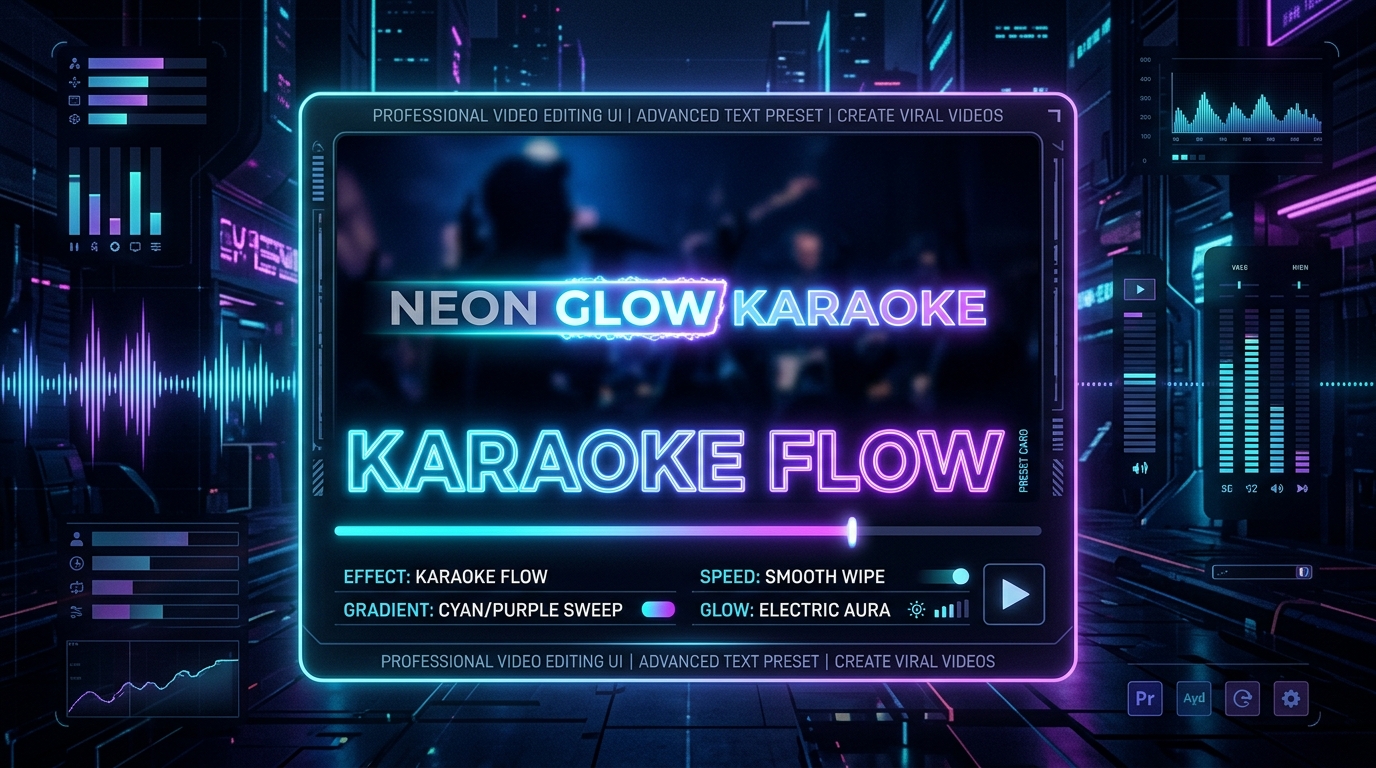
Karaoke Flow
Smooth horizontal gradient wipe across the active word as speech progresses
- Real-time Gradient Wipe
- Electric Cyan Glow
- Syllable Tracking
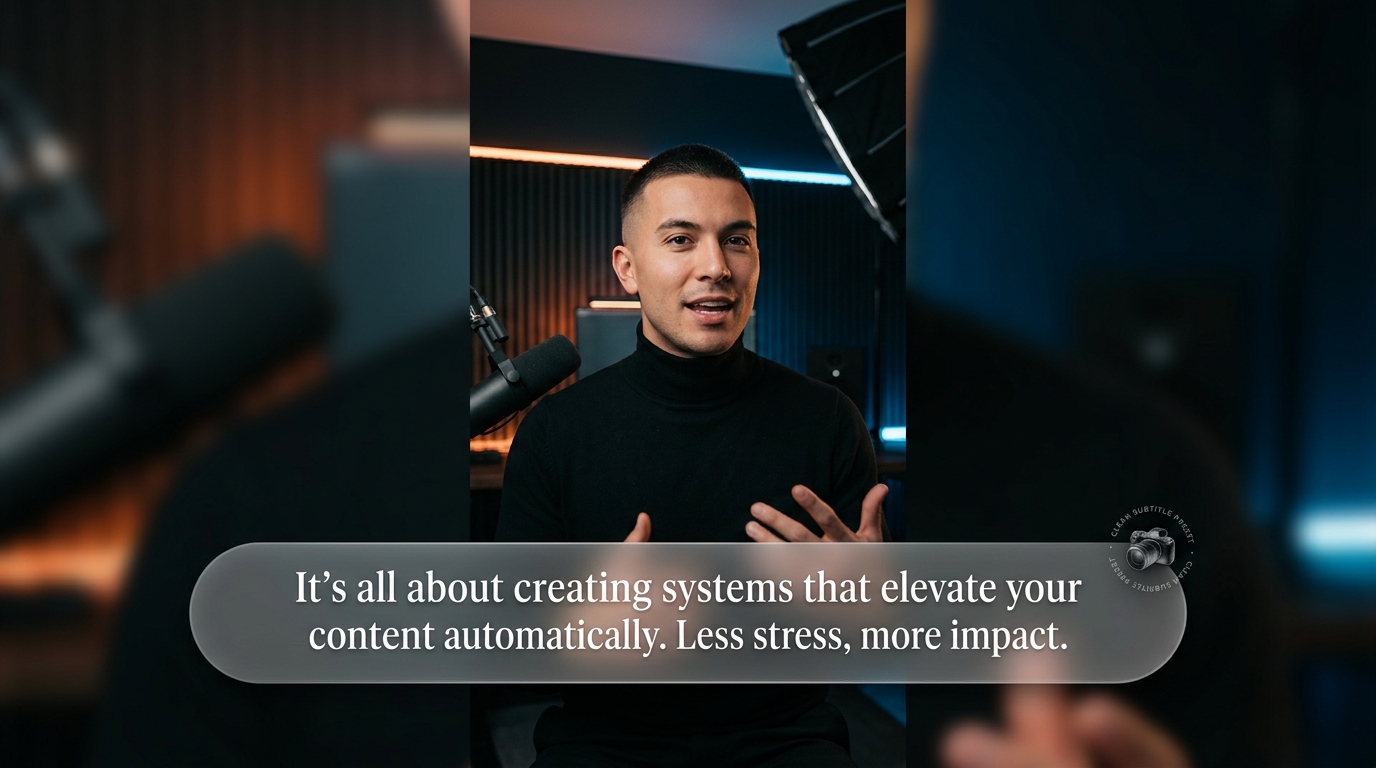
Clean Subtitle
Minimalist frosted glass pill background for aesthetic talking-head reels
- Frosted Glass Pill
- Luxury Minimalist Feel
- Aesthetic Reels
Choosing on purpose
Hormozi suits talking-head advice and offers — the yellow highlight punches through busy footage. MrBeast suits high-energy stunts and challenges where the stroke outline keeps words readable over motion. Karaoke suits music, storytelling and any case where the audience should follow along word-by-word. Clean suits calm, premium footage where caption chrome would cheapen the frame.
Style is a clip property, not a transcription decision: switch it any time without re-running Whisper, and restyle individual caption clips differently on the same timeline.
First-hand captures
Recorded from the production build of this site: a real browser session driving the real editor, with no cuts or retakes. Output files below were produced by the editor's own export engine.
Supported formats
- Style previews: PNG/JPG artwork bundled with the app, shown in the properties panel
- Styling scope: per caption clip — different styles can coexist on T1
- Export: caption text and word timing are burned into the exported frames; styling is simplified versus the live preview
Known limitations
- Export styling is not pixel-identical to the live preview yet: bounce, scale punches and gradient wipes are approximated in the current browser renderer
- Text stroke and background pill colors are preset-driven; full custom theming is on the roadmap
- Style cards assume a dark frame — very bright footage may need the Clean style for contrast
Try them on your own footage in the editor — generate captions first (see the local captions guide) and switch styles live.